
Server Location
Canadian ownership does not establish where a hosting service stores data. Confirm application, database and backup locations.

Compare Node.js hosting in Canada by company ownership, server location and support. Explore cloud PaaS, managed hosting and VPS options, then choose the deployment tools and resources your application needs.
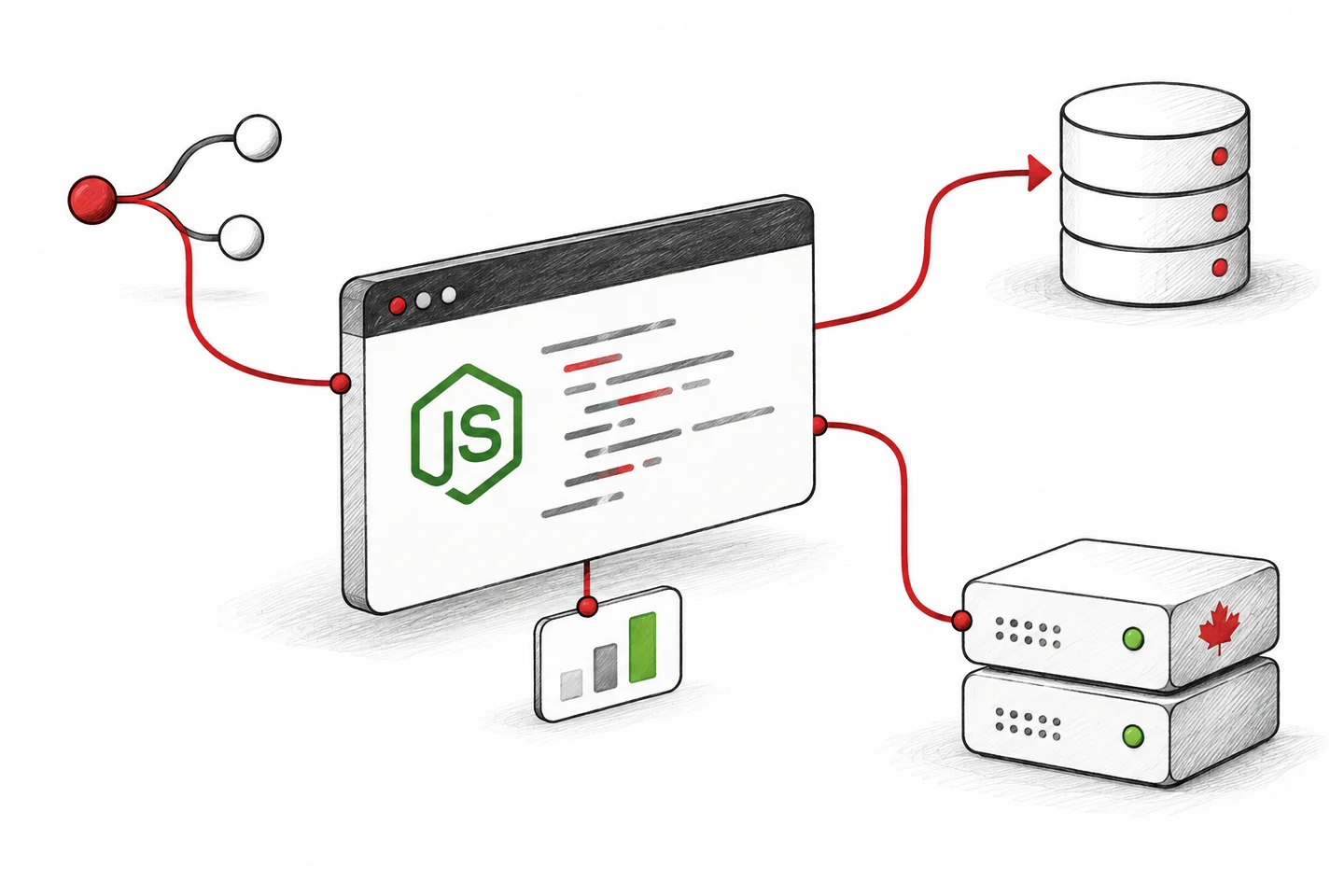
Compare the runtime, data location, pricing and management included in each service. These checks apply to cloud PaaS, managed Node.js hosting and VPS plans.
Canadian ownership does not establish where a hosting service stores data. Confirm application, database and backup locations.
Node.js hosting must match your app’s runtime and resource needs. Check build limits, background jobs and persistent connections.
Hosting plans may charge fixed fees, usage fees or both. Compare included resources, scaling options and extra charges.
Support coverage varies by hosting plan. Confirm who handles deployments, software updates, monitoring, backups and recovery.
Compare four providers by hosting model, Canadian server availability, resources and support. Each card includes a company-location check, with evidence links in More info or the provider review.
HostScout may earn a commission if you purchase through a referral link, at no extra cost to you.

CoreGrid DevOps PaaS
FullHost offers Canadian PaaS hosting for Node.js applications, APIs and other web projects. Its platform combines application containers, Git deployment and configurable resource scaling, with tools for monitoring and day-to-day management.
Developers who want Canadian application hosting with deployment tools and flexible resources in one platform.
Reserved Cloudlets provide baseline resources and remain billable when unused. Dynamic resources cover changing demand within your configured limits.
The free Developer support tier is designed for self-service. Review production support, storage, traffic and public IP charges, and confirm your account’s billing currency.
Company check: ARIN lists FullHost in Victoria, BC and registers AS39962 to FullHost. This is company-level network evidence; confirm the region for your chosen PaaS environment. Our FullHost review below includes the ownership research.

Managed Node.js Hosting
CanTrust is a Canadian worker co-operative offering managed Node.js hosting. Its service includes Git deployment, SSH access, application logging and process monitoring, with hosting data and backups stored in Canada.
Organizations that want managed Node.js hosting, Canadian data storage and support from a worker-owned co-operative.
Confirm the Node.js version, database requirements and resources for your app. CanTrust publishes monthly plans in Canadian dollars; ask which plan supports your deployment.
Review included support, additional resource charges and CanTrust’s customer values-alignment requirements before ordering.
Company check: CanTrust publishes its Vancouver, BC office address on its contact page. The office address is separate from the location of your application and backups.

Node.js VPS Hosting
HostPapa offers VPS hosting for Node.js applications, APIs and background workers. With root access, you can install your preferred Node.js release and configure PM2 or systemd. The advertised entry plan is unmanaged, so your team maintains the server.
Developers who want control over their Node.js environment and are comfortable managing a Linux VPS.
The Lite price is for an unmanaged VPS on a 36-month term. You configure and maintain Node.js, process management, server security and backups.
Check memory for builds as well as the running app. Managed VPS is a separate option; confirm the server region and renewal price before ordering.
Company check: HostPapa lists a Canadian office in Burlington, ON. Our HostPapa review covers its company background and hosting locations. Confirm the Canadian region for the specific VPS plan.

Managed Node.js Hosting
SwiftHost builds managed Node.js environments in Canadian data centres for APIs, SaaS backends and web applications. Its team configures the application stack, deployment workflow and ongoing monitoring.
Teams that want help operating a production Node.js stack with Canadian hosting and Alberta-based support.
API Starter is an example configuration, with larger options for databases, queues and multiple apps. Confirm staging, backup location and management scope in your quote.
Company check: SwiftHost’s company page lists its head office in St. Albert, AB. This is the office location; confirm your deployment region in the quote.
Company, network and server location are separate checks. An address helps identify a company; an ASN identifies a registered network. Neither alone proves Canadian ownership or the location of a particular hosting plan. See the linked reviews for company research and our guide to CIRA, ARIN and hosting verification for how these records work.
Provider terms checked –; company-location and network records checked . Availability and plan terms can change.
Compare the tools that help you deploy, scale and manage a Node.js application in Canada. Features vary by provider and plan, so start with the workflow and resources your project needs.


Traffic changes as your application grows. Choose a setup with room to adjust resources, add capacity and track costs. The right balance depends on how steady your workload is and how quickly demand can change.

Keep your workflow close to your code. A practical Node.js environment pairs a compatible runtime with repeatable deployments and process controls. For Canadian teams, DevOps automation starts with tools that fit the way the application is built and maintained.
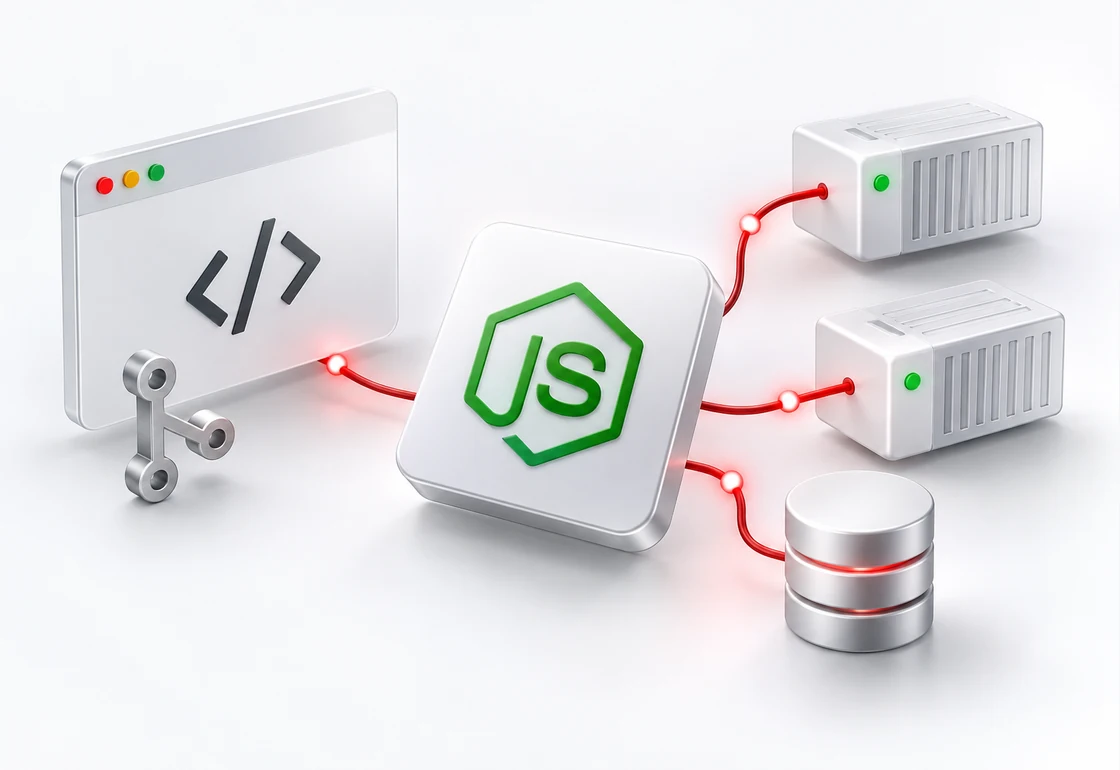
Choosing a Canadian hosting region makes infrastructure location part of your deployment plan. For projects with Canadian data residency requirements, follow that choice through your database, backups and connected services.

A clear dashboard helps you spot a memory spike, inspect an application error and understand how usage affects your bill. Look for resource history, accessible logs and controls for development, staging and production.

Compare Node.js hosting in Canada by checking the hosting model, server location, deployment tools and total cost. For other hosting types, explore our Canadian web hosts.
PaaS provides application deployment tools; an unmanaged VPS leaves server maintenance to your team. Confirm what a managed plan includes. Read our guide to PaaS hosting in Canada.
Confirm support for your Node.js LTS version, build commands, databases and background workers. For Next.js hosting in Canada, check whether your app needs a running server or supports a static export.
Ask where your application, databases and backups are stored. Canadian ownership and Canadian server location are separate checks. Confirm the locations available for the specific plan you’re considering.
For DevOps automation in Canada, check Git deployments, staging and rollback options. Compare the full cost of compute, storage, backups, traffic and support, including billing currency and renewal terms.
Direct answers about Node.js hosting in Canada, Canadian cloud PaaS, server locations, deployment tools and the costs to compare before you choose a plan.
Compare FullHost for cloud PaaS, CanTrust and SwiftHost for managed Node.js hosting, and HostPapa for VPS hosting. These services offer different levels of control and support. Use the provider cards above to shortlist options, then confirm the required Node.js version, available Canadian server region and resources for your chosen plan.
PaaS means Platform as a Service: a cloud environment with tools for deploying and managing applications. A VPS provides a virtual server; on an unmanaged plan, your team maintains its software and configuration. For Canadian Node.js hosting, compare the actual responsibilities for updates, security, monitoring, backups and recovery, because management scope varies by provider.
Yes, when the selected Canadian hosting plan meets the framework’s production requirements. Next.js supports Node.js server and Docker deployments; a static export supports fewer features. Confirm the runtime version, build memory, start command and database access for your app. If you run multiple instances, review session storage, uploads and caching so they work across instances.
No. Canadian ownership describes the business behind the service; Canadian hosting describes where the application infrastructure runs. A business address helps identify the company, and an ASN record identifies a registered network. Neither alone proves Canadian ownership or the server location for a particular plan. Check the ownership research and confirm the available hosting region separately.
Not automatically. The application server, database, backups, logs and connected services may have separate location settings or policies. Confirm each part of the deployment, including third-party analytics, email and CDN services. Canadian data residency depends on the services and configuration you actually use, rather than the hosting company’s address alone.
Node.js hosting costs in Canada depend on the resources and management your application needs. Compare compute, storage, databases, backups, traffic and support, along with CAD or USD billing, the commitment period and renewal terms. Unmanaged VPS plans, usage-based PaaS and managed services allocate work differently, so request an estimate for the same application requirements.
Look for automation that fits your workflow: deployment from Git, staging environments, configuration management, scheduled tasks and repeatable rollbacks. Check logs, alerts, access controls and the platform’s API or deployment hooks. For a Canadian deployment, confirm where the app and supporting services run and who responds when a deployment or service fails.